Fire TV Stick 4K 2026: Check Vega OS and App Compatibility Before Buying
Amazon announced a new Fire TV Stick 4K on September 30, 2026, featuring Vega OS, Wi-Fi 6, and 8GB of storage. Because Vega OS uses a React Native framework distinct from the Android-derived Fire OS used in previous generations, existing applications may not be compatible. This guide explains what users need to verify before purchasing.
A New Platform Powered by Vega OS
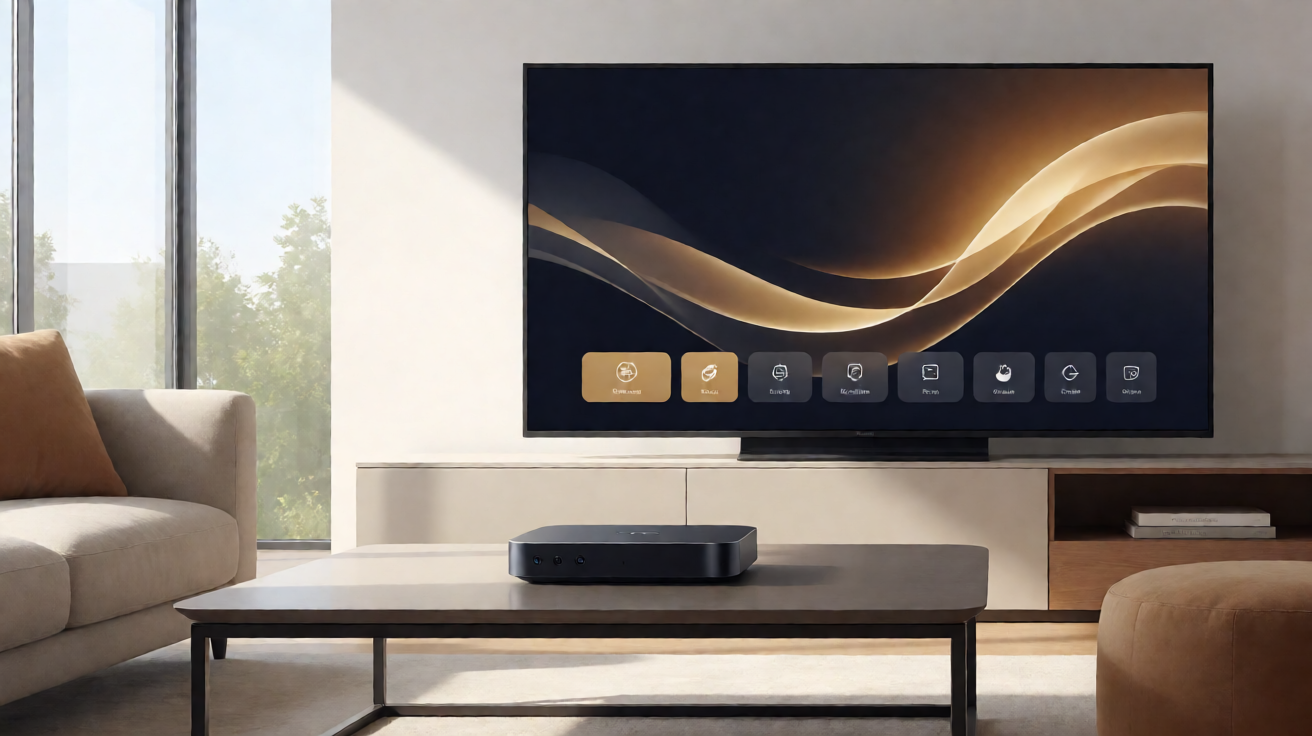
Amazon officially announced a new Fire TV Stick 4K on September 30, 2026. This latest hardware iteration introduces several significant upgrades, including support for Wi-Fi 6, an increase in internal storage to 8 GB, and a new feature called Direct Power. Direct Power allows the device to be powered directly through a TV's USB port, simplifying cable management for many users. However, the most critical change lies beneath the surface: Amazon has shifted this generation to Vega OS.
It is crucial to understand that Vega OS is not built upon the traditional Android distribution. According to Amazon's developer documentation, the application framework for Vega OS relies on React Native. Amazon explicitly distinguishes this environment from Fire OS, which was the modified Android-based operating system used on previous Fire TV generations. This technical distinction means that the mere existence of an application on an Android device does not guarantee it will function on Vega OS. Applications must be specifically developed or adapted to work within the new React Native framework.
Implications for IPTV and Third-Party Streaming
For users who rely on third-party streaming solutions, including legal IPTV services, this architectural shift requires careful attention. Solutions that functioned seamlessly on older Fire TV sticks may face immediate compatibility issues with the new hardware. The execution environment on Vega OS is not universal, meaning that sideloading APKs or using apps designed for standard Android or Fire OS may no longer be viable options.
Before making a purchase, it is strongly recommended to verify whether your preferred IPTV application or streaming tool is officially supported by the Vega OS architecture. You should avoid assuming that a popular IPTV player will work by default simply because it was compatible with previous models. The verification process must focus on the specific compatibility between your target application and the new device. If an app developer has not yet announced support for Vega OS, there is no guarantee of functionality.
Purchase Advice and Installation Considerations
If you currently own a Fire TV Stick and are considering an upgrade to this 2026 model, evaluate the practical benefits of Vega OS against your specific usage patterns. If your streaming routine primarily depends on native apps available directly through the Amazon Appstore or other verified compatible devices, the transition should be straightforward. However, if your setup depends on specific IPTV configurations, non-standardized applications, or workarounds that relied on the Android foundation of Fire OS, you should proceed with caution.
- Check official Vega OS resources to confirm the presence of your favorite IPTV application.
- Monitor announcements from third-party app developers regarding their support plans for the new operating system.
- Weigh the benefits of hardware improvements, such as Wi-Fi 6, against the potential risk of losing access to specific software.
By taking this informed approach, you can select a streaming device that aligns with your actual needs for legal streaming and software compatibility, avoiding unfounded assumptions about application execution capabilities on the new platform.