How to Choose the Best IPTV Solution for Your Needs
Compare devices, apps, support, and subscription options to choose the best IPTV solution for reliable premium streaming with Nexora IPTV.
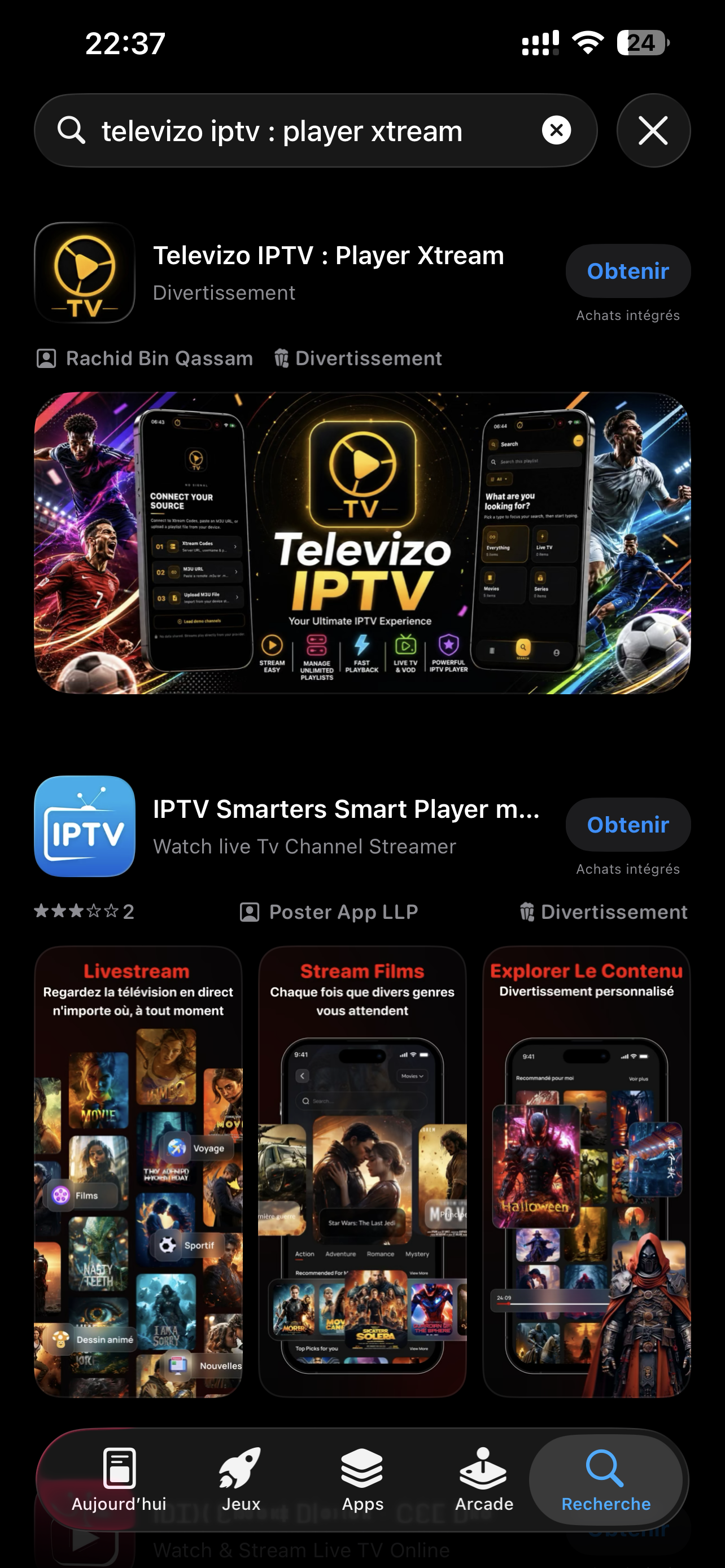
Choosing the best IPTV solution can be confusing when many apps, devices, and subscription models seem similar at first glance. For any Abonne, the right choice depends on streaming quality, device compatibility, ease of setup, and the level of support offered by the provider. A premium service should combine stable servers, international channels, 4K quality, and responsive assistance when needed.
In this comparison guide, we explain how to evaluate an Iptv service, which apps to consider such as smarter pro, tivi mate, and vlc, and how to select a plan that matches your daily streaming habits.
Why choosing the right IPTV solution matters
Not all IPTV services deliver the same experience. Some focus only on channel quantity, while others prioritize server stability, image quality, and customer support. For a serious Abonne, reliability matters more than a long list of features that are difficult to use.
- Stable servers for smooth viewing with fewer interruptions
- Multi-device compatibility on Smart TV, Fire TV, Android, iOS, MAG, Enigma2, and PC
- High-quality streaming including HD and 4K where available
- Easy activation with Xtream Codes or M3U
- Human support 24/7 through WhatsApp, Telegram, email, or live chat
If you want to compare available plans, you can start on /produits before testing the service in real conditions.
Best IPTV solution comparison: key criteria
1. Device compatibility
The first point is simple: your IPTV service must work smoothly on the devices you already use. A good solution should not force you to buy new hardware.
Nexora IPTV is designed for a wide range of devices, including Smart TVs, Fire TV Stick, Android TV Box, smartphones, tablets, MAG boxes, Enigma2 receivers, and computers. This flexibility is important for every Abonne who wants to watch content at home or on the move.
2. Application quality
The app you choose has a direct impact on your user experience. Here is a simple comparison of popular IPTV apps:
- smarter pro: user-friendly, ideal for beginners, supports Xtream Codes, modern interface
- tivi mate: excellent for Android TV and Fire TV users, advanced layout, strong EPG management
- vlc: practical on PC and some mobile setups, lightweight, but less optimized for a TV-style interface
If ease of use is your priority, smarter pro is often a great starting point. If you want a more advanced TV experience, tivi mate is often preferred. For basic testing or desktop viewing, vlc remains useful.
3. Streaming stability
A premium IPTV solution should offer consistent streaming performance, especially during peak hours. Buffering, long loading times, and unstable channels usually indicate weak infrastructure.
Before subscribing long term, it is smart to request a free trial. Nexora offers a 24-hour trial so each Abonne can evaluate quality, speed, and compatibility. You can request it here: /essai-gratuit.
4. Support quality
Even the best service can require help during setup or renewal. That is why responsive support is a major decision factor. A reliable provider should assist with installation, login details, and troubleshooting.
Nexora IPTV offers human support 24/7 through multiple channels. This is especially useful for users setting up Xtream Codes on Smart TV, Fire TV, MAG, or Enigma2 for the first time.
Comparison of IPTV apps for different user profiles
For beginners
If you are new to Iptv, choose an app with a simple interface and fast activation. smarter pro is often the easiest option because it allows quick login with host, username, and password.
For advanced TV users
If you want a polished interface and better control over playlists and EPG, tivi mate is one of the strongest options for Android-based devices. It is especially appreciated by users who watch live channels daily.
For PC or flexible playback
vlc is suitable for users who want a lightweight player on computer. It is practical for M3U playback, but less comfortable than dedicated IPTV apps for long-term TV use.
How to choose the right subscription as an Abonne
The best IPTV solution is not only about the app. The subscription itself must match your habits. Ask yourself the following questions:
- How many devices will be used at the same time?
- Do you prefer a short plan to test or a longer plan for better value?
- Do you need support during installation?
- Will you watch mostly on Smart TV, mobile, or PC?
Nexora offers 1, 3, 6, and 12-month subscriptions with mono-connection and multi-connection options. This allows each Abonne to choose a plan based on budget and usage. You can also manage your account and renewals from /espace-client.
Nexora IPTV vs generic IPTV providers
Here is a practical comparison:
- Nexora IPTV: premium positioning, stable servers, international channels, 4K quality, 24/7 support, multi-device compatibility, free 24h trial
- Generic providers: often low-cost, but limited support, inconsistent quality, unclear setup instructions, and variable server reliability
For users who value long-term comfort, a premium provider is often the better decision. The cheapest option is not always the most economical if poor stability affects daily viewing.
To learn more about setup tips and device guides, visit /blog. If you are interested in business opportunities, you can also explore /reseller.
Final tips before choosing your IPTV solution
- Always test compatibility with your main device
- Prefer providers with clear setup instructions
- Check if payment methods are convenient for your country
- Choose a service with real customer support
- Start with a free trial before a long subscription
For any Abonne, the best IPTV solution is the one that combines quality, simplicity, and support. With a premium approach, Nexora IPTV helps users enjoy reliable streaming across multiple devices with a smooth setup experience.
Ready to choose a premium IPTV solution? Discover the right option for your needs and get started today at /Servicrs.
FAQ
What is the best IPTV app for a beginner?
For many beginners, Smarter Pro is one of the easiest apps to use because it supports quick login with Xtream Codes and offers a simple interface.
Can I use IPTV on Smart TV, Fire TV, and mobile devices?
Yes. Nexora IPTV is compatible with Smart TV, Fire TV Stick, Android, iOS, MAG, Enigma2, and computers, depending on the app and plan selected.
Is there a free trial before subscribing?
Yes. Nexora IPTV offers a 24-hour free trial so you can test streaming quality, device compatibility, and overall performance before choosing a plan.
How many simultaneous connections are available?
The number of simultaneous connections depends on the subscription you choose. Nexora offers mono-connection and multi-connection options.
Which player is better: Tivi Mate or VLC?
Tivi Mate is generally better for Android TV and Fire TV users who want a full TV-style interface, while VLC is useful for simple playback on PC or basic M3U testing.
What support options are available if I need help?
Nexora IPTV provides 24/7 human support through WhatsApp, Telegram, email, and live chat for setup, activation, and general assistance.