SmartThings Now on Samsung Smart TV: Interface, Local Control, and Compatibility
Samsung announced SmartThings Now on October 6, 2026, bringing a redesigned interface to compatible Smart TVs. This update emphasizes local home automation control but requires specific network conditions, including a smartphone, a SmartThings hub, and a shared Wi-Fi network. Streaming services are not confirmed to work offline.
What Is SmartThings Now?
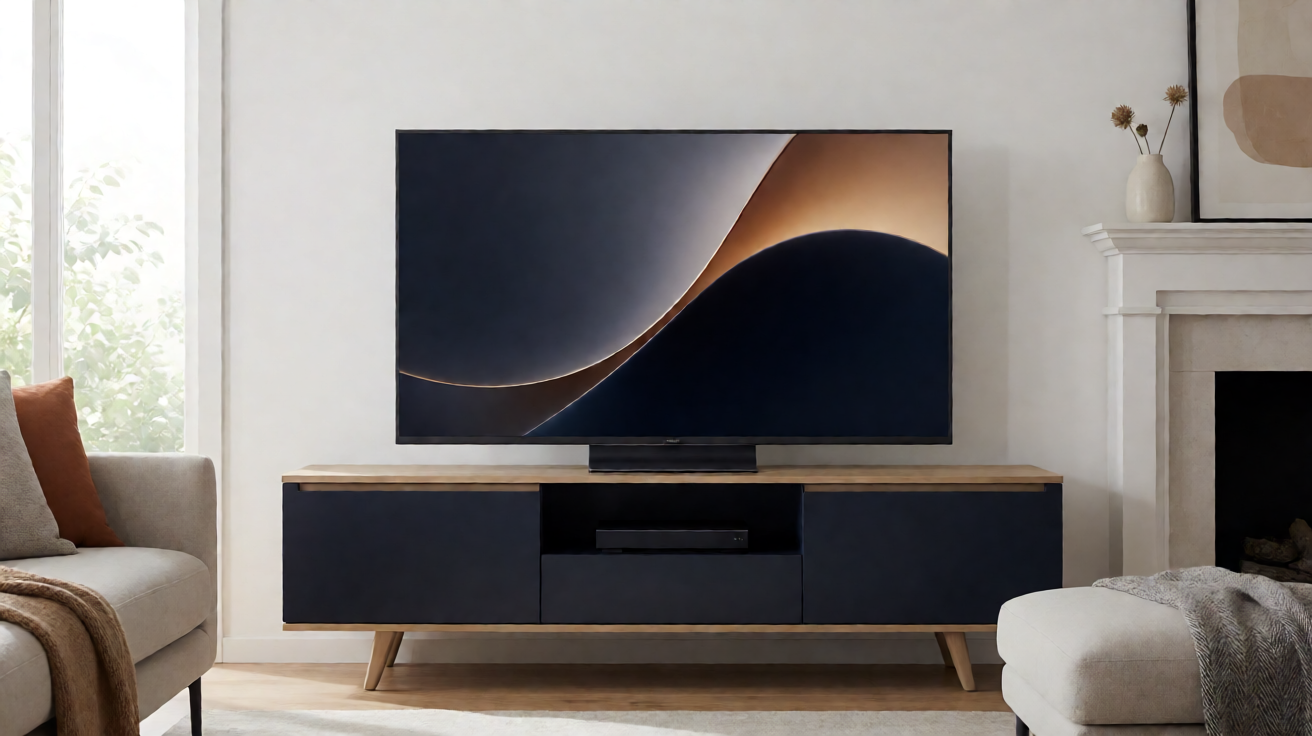
Samsung introduced SmartThings Now on October 6, 2026, as part of a broader platform update. The initiative aims to provide a more intuitive experience centered around the Samsung smart home hub, featuring a refreshed home screen with a strong emphasis on local control. According to the official announcement, this redesign applies to compatible devices, which include certain Samsung Smart TVs.
It is important to distinguish between two concepts that are often conflated: the interface update for SmartThings on the television and offline hub functionality. While the user interface may be enhanced, local control demands specific network conditions. Samsung has not stated that streaming applications or other media services operate without an Internet connection.
Redesigned Interface and New Home Zone
The primary novelty lies in the new SmartThings Now zone, designed to centralize home automation commands directly from compatible devices. This revamped dashboard offers more direct navigation to scenes, sensors, and quick actions.
On supported Samsung Smart TVs, this translates to more immediate access to the hub from the TV interface. The goal is to reduce the number of steps between the television and connected peripherals, particularly during daily use.
In practice, owners of compatible televisions can expect:
- A redesigned home screen optimized for home automation commands
- More prominent integration of the hub within the Smart TV menu
- Local shortcuts that facilitate immediate control of devices
This does not imply that all SmartThings functions become autonomous. Most services remain conditional on an active connection.
Local Control: What Samsung Specifies
Local control is at the heart of the announcement. For it to function, Samsung requires several conditions to be met simultaneously:
- A smartphone configured with the SmartThings application
- A SmartThings hub present in the network
- The phone and hub must be on the same Wi‑Fi network
These prerequisites imply that local control is not solely an interface matter. It relies on direct communication between devices on the same home network. If any of these elements are missing, the experience reverts to standard cloud control.
It is also crucial to note that Samsung does not claim that streaming applications or multimedia services function offline. The promotion of local control primarily concerns home automation, not the content displayed on the television.
Compatibility with Samsung Smart TVs
Not all Samsung Smart TVs automatically benefit from SmartThings Now. According to official support information, SmartThings is available on most recent televisions and monitors, but not on all models. Some older or entry-level devices may not include this feature.
To verify your model's compatibility, Samsung recommends using the SmartThings application directly on the TV. Pairing hardware is possible, but feature availability depends on both the television and the connected peripherals.
Before investing in a hub or relying on local control, it is advised to:
- Check the exact model of your Smart TV in the settings
- Consult the list of compatible devices on the Samsung website
- Test pairing via the application before activating home scenarios
A Samsung account and an Internet connection are generally required for initial configuration, even if subsequent local control can function on a closed network.
What Changes Concreteley for the User?
For owners of compatible Samsung Smart TVs, SmartThings Now brings primarily better accessibility to home automation commands. The redesigned interface makes the hub more visible and quicker to use from the television.
However, several points warrant caution:
- Local control requires a phone, a hub, and shared Wi‑Fi; without these, the experience remains dependent on the cloud
- Compatibility varies by TV model
- Streaming services are not explicitly included in offline mode
In summary, SmartThings Now represents a significant evolution in interface and local home automation control, but it does not eliminate network prerequisites for most features. The October 6, 2026 announcement confirms a clear priority: making the Samsung hub more intuitive on compatible Smart TVs while maintaining technical requirements that ensure stability and security.