Synchronizing IPTVX Between Apple TV and Android TV: iCloud Playlists vs. Licenses
Understand the precise mechanics of IPTVX synchronization between Apple TV and Android TV. While iCloud can sync playlists and favorites, this guide clarifies that the software license remains distinct from cloud storage, requiring separate validation on each compatible platform.
Distinguishing Data Synchronization from Reader Licenses
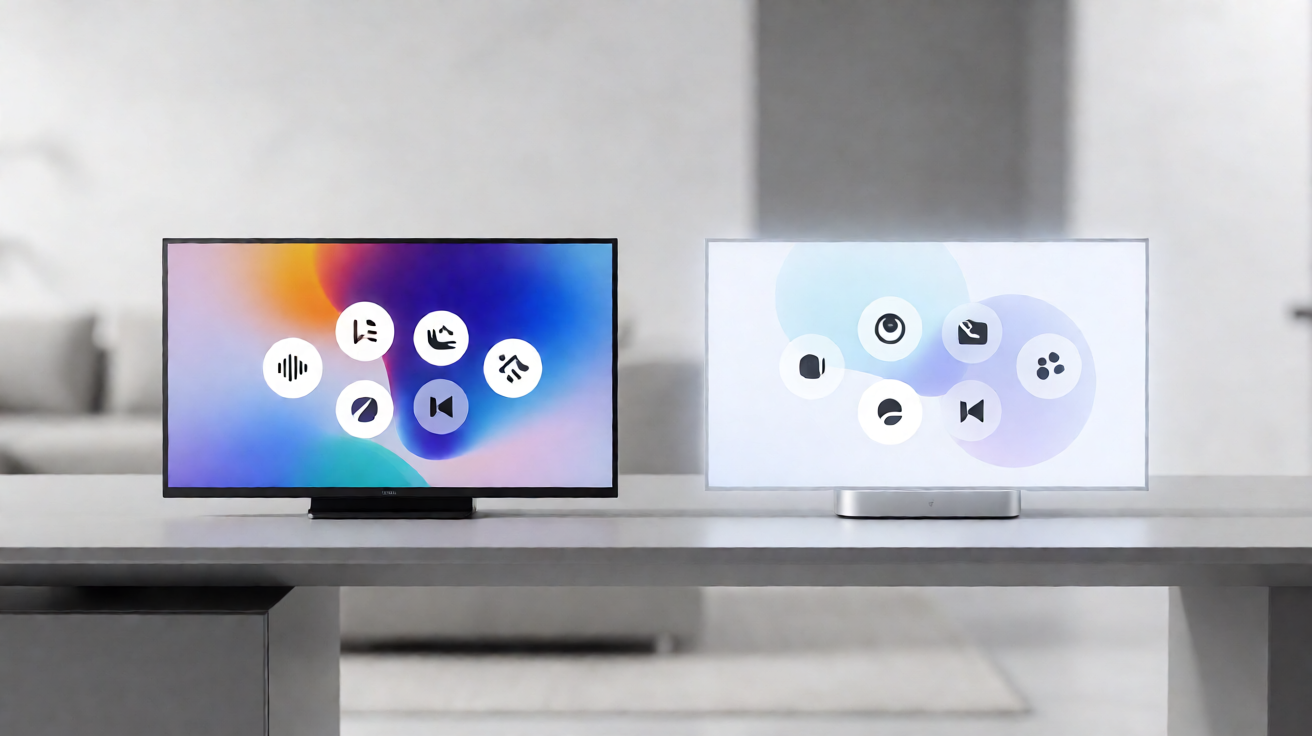
When utilizing IPTVX across multiple devices, it is essential to clearly separate two concepts that are frequently conflated: the synchronization of personal data, such as playlists and favorites, and the license governing the reader application itself. According to the official IPTVX FAQ, iCloud synchronization for playlists and favorites is supported between Apple devices and compatible Android or Android TV devices. However, this functionality is conditional; the option must explicitly appear within the specific version installed on your device. If the user interface does not display this feature, the synchronization service is unavailable for that instance.
It is imperative to understand that purchase rights for the reader remain entirely distinct from iCloud storage capabilities. Owning IPTVX on your Apple TV does not automatically grant the right to use the identical application on an Android TV box without a separate acquisition or validation process. While synchronization facilitates access to your curated preferences, it does not transfer the software license from one ecosystem to another. Consequently, users must ensure that the license is valid and properly configured on every platform they intend to use, rather than assuming cross-ecosystem transferability based on cloud sync alone.
Configuring iCloud Synchronization on Compatible Devices
To effectively sync your playlist libraries and favorite channels, you must utilize the same Apple ID across all relevant devices and configure iCloud synchronization identically. If the synchronization option is visible in your IPTVX version, follow the embedded instructions to link your account. It is advisable to verify each device individually to confirm that synchronization is active and that your playlists are rendering correctly. This step-by-step verification helps prevent data discrepancies between your Apple TV and Android TV setups.
Users should be cautious not to assume that synchronization automatically transfers purchase licenses. For instance, an IPTVX purchase made through the App Store for Apple TV does not confer free usage rights on an Android TV set-top box. Furthermore, the availability of synchronization features varies depending on the platform, operating system version, subscription type, and the specific IPTV server in use. Consulting the specific information provided for each application version is crucial to avoid confusion regarding which features are genuinely offered versus those that may be restricted by regional or technical limitations.
Best Practices for a Stable Experience
To ensure an optimal experience and avoid potential issues, several best practices should be observed. First, remember that data synchronization does not demonstrate any right to share channels or authorize simultaneous playback sessions; users must strictly adhere to the terms of use associated with their IPTV subscription. Second, regularly check the compatibility of your IPTVX version on each device, as updates may alter the availability of features like iCloud synchronization. Staying informed about these changes helps maintain a seamless viewing environment.
Finally, keep in mind that this synchronization process concerns exclusively your personal preferences and interface settings. The actual channels available to you depend on your IPTV service provider, not on the synchronization function itself. By understanding the distinctions between software licensing, data synchronization, and access rights, you can fully leverage the flexibility offered by IPTVX between Apple TV and Android TV without falling into common misconceptions about cross-platform entitlements.
Verified Sources
- IPTVX FAQ — Synchronization and Usage Rights
- IPTVX Features — Multiplatform Sync